Setting up smart campaigns in SendFox can transform the way you connect with your audience. Imagine sending the right message at the perfect time, without spending hours managing your emails.
With SendFox, this isn’t just possible—it’s simple. If you want to boost your email marketing effortlessly, you’re in the right place. In this guide, you’ll discover step-by-step how to create smart campaigns that engage your subscribers and grow your list. Ready to take control of your email marketing? Let’s dive in and make your campaigns smarter today. Start your journey with SendFox here: Get SendFox now.

Credit: www.youtube.com
Introduction To Sendfox Smart Campaigns
SendFox Smart Campaigns provide an easy way to automate your email marketing. They help send targeted emails to your audience without extra effort. These campaigns save time and improve engagement by delivering the right message at the right time.
Setting up Smart Campaigns is simple, even for beginners. You can start building relationships with your subscribers quickly and effectively. Below, learn what Smart Campaigns are and why they matter for your email marketing strategy.
What Are Sendfox Smart Campaigns?
SendFox Smart Campaigns are automated email sequences. They send pre-written emails to subscribers based on specific triggers or schedules.
These campaigns help you:
- Welcome new subscribers automatically
- Share valuable content without manual sending
- Follow up with leads based on their actions
Smart Campaigns work by connecting emails in a series. Each email is sent after a defined time or user activity.
Purpose And Benefits Of Using Smart Campaigns
The main purpose of Smart Campaigns is to automate communication and nurture leads effectively. They keep your audience engaged without constant manual work.
| Benefit | Explanation |
|---|---|
| Time-saving | Emails are sent automatically, freeing up your time. |
| Consistent Messaging | Subscribers get regular emails that build trust. |
| Higher Engagement | Targeted emails increase open and click rates. |
| Easy to Use | No coding skills needed to create campaigns. |
| Better Lead Nurturing | Send relevant emails based on subscriber behavior. |
Using Smart Campaigns helps turn subscribers into loyal customers. They make your email marketing efficient and effective.
Key Features Of Sendfox Smart Campaigns
SendFox Smart Campaigns offer powerful yet simple tools to create effective email marketing workflows. These features help users automate email sequences, engage their audience, and capture leads without technical hassles. The platform blends ease of use with flexible customization, making it ideal for beginners and experienced marketers alike.
User-friendly Automation Setup For Beginners
SendFox provides an intuitive automation setup. The drag-and-drop interface allows users to build email sequences quickly. No coding skills are required. Steps include:
- Selecting a campaign type
- Choosing from pre-built automation templates
- Setting triggers based on user actions
- Scheduling emails to send automatically
This setup makes it easy to launch campaigns that nurture leads and build relationships.
Customizable Email Templates To Enhance Engagement
SendFox includes a variety of email templates. These templates are:
- Simple to edit with text and images
- Designed to match different marketing goals
- Responsive for all devices
Users can personalize templates to reflect their brand style. This improves audience engagement by making emails visually appealing and relevant.
Smart Landing Pages To Capture Leads Quickly
SendFox offers smart landing pages that convert visitors into subscribers fast. Features include:
| Feature | Benefit |
|---|---|
| Easy-to-use editor | Create pages without design skills |
| Mobile-friendly layouts | Works well on phones and tablets |
| Fast loading times | Improves visitor experience and reduces bounce rates |
These landing pages help capture emails efficiently, growing your contact list.
Integration With Smart Forms And Api For Seamless Data Collection
SendFox integrates smoothly with smart forms and APIs. This allows users to collect data effortlessly from various sources. Key points include:
- Embed customizable forms on websites and landing pages
- Automatically add new contacts to campaigns
- Use API connections to sync data with other tools
- Maintain accurate and updated subscriber lists
These integrations ensure data flows smoothly, saving time and reducing errors.
Step-by-step Guide To Setting Up Smart Campaigns In Sendfox
Setting up Smart Campaigns in SendFox is a simple process that helps automate email marketing. This guide breaks down each step clearly. Follow along to start building effective email sequences with ease.
Creating Your Sendfox Account And Accessing Smart Campaigns
First, visit the SendFox website to create an account. Use your email and set a secure password. After logging in, locate the Smart Campaigns option in the dashboard menu.
- Click “Create New Campaign” to begin.
- Choose a name that reflects your campaign goal.
Selecting And Customizing Campaign Templates
SendFox offers various templates to start your campaign quickly. These templates are designed for different purposes like welcome emails or promotions.
Steps to customize:
- Select a template that fits your message.
- Modify the text to suit your brand voice.
- Add images or links to enhance engagement.
- Preview your design on desktop and mobile views.
Setting Up Email Sequences And Automation Rules
Automation drives the power of Smart Campaigns. Set up sequences to send emails automatically based on user actions or time intervals.
| Feature | Purpose | Example |
|---|---|---|
| Email Sequence | Series of emails sent in order | Welcome email, then follow-up after 3 days |
| Automation Rules | Triggers to send or stop emails | Send coupon when user clicks a link |
Set timing, triggers, and conditions clearly. This keeps your emails relevant and timely.
Connecting Smart Forms And Landing Pages
Integrate Smart Forms to collect subscribers directly into your campaigns. Embed these forms on your website or landing pages.
- Create a form with fields like name and email.
- Link the form to your Smart Campaign.
- Place the form on your landing page or blog.
- Ensure the form design matches your brand style.
Testing And Launching Your Smart Campaign
Before launching, test your campaign to ensure everything works properly.
- Send test emails to yourself or your team.
- Check all links, images, and personalization tags.
- Review automation triggers by simulating subscriber actions.
- Make any needed adjustments based on test results.
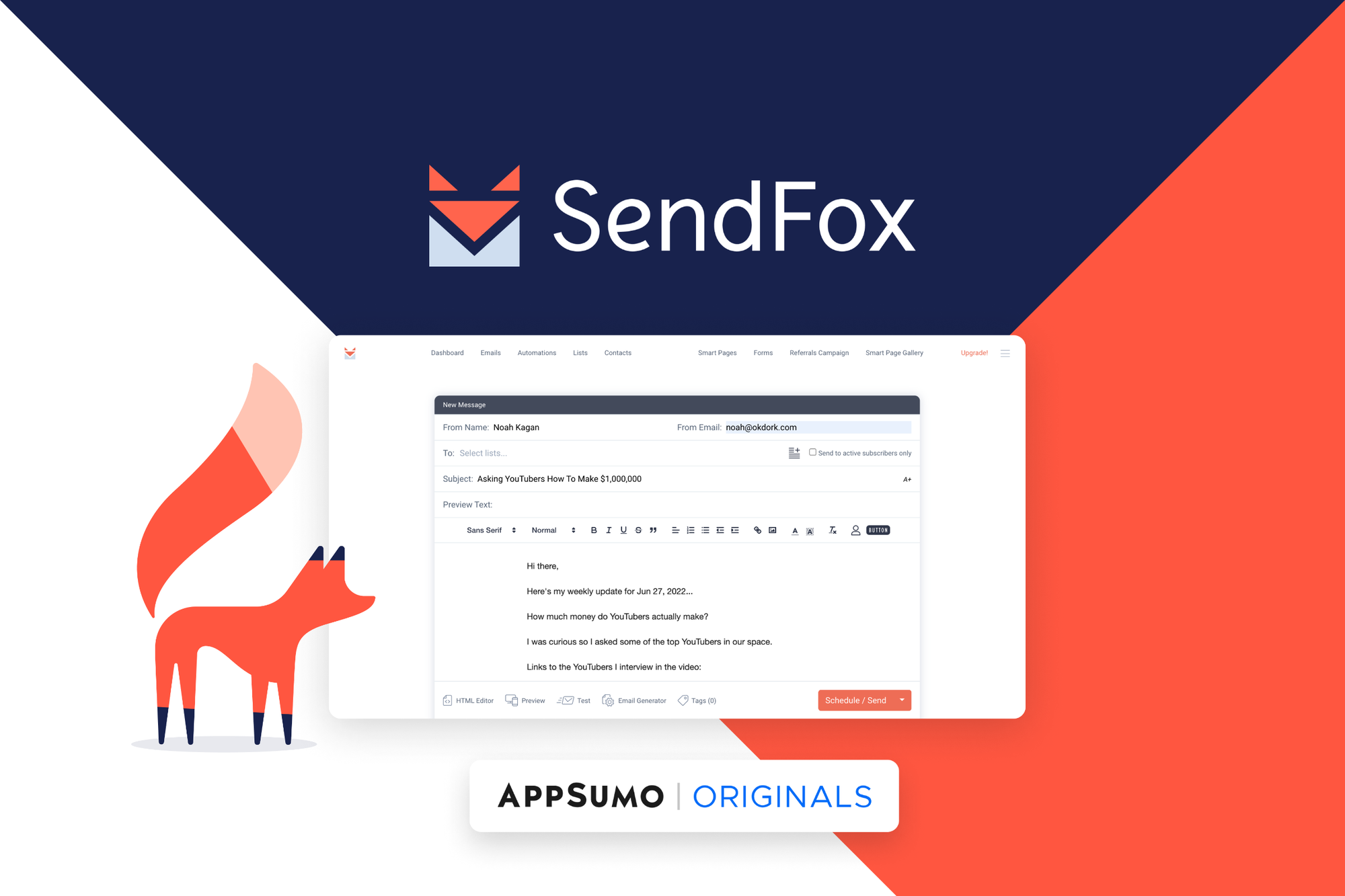
Once ready, hit the Launch button. Monitor your campaign performance regularly to optimize results.
Credit: appsumo.com
Pricing And Affordability Breakdown
Understanding SendFox’s pricing helps you choose the right plan for your needs. The platform offers simple pricing with options that fit small businesses and solo creators. This section breaks down costs, features, and budget tips.
Overview Of Sendfox Pricing Plans
| Plan | Monthly Cost | Contacts Included | Key Features |
|---|---|---|---|
| Free Plan | $0 | Up to 1,000 | Basic email campaigns, limited automation |
| Pro Plan | $49 | Up to 10,000 | Unlimited emails, smart campaigns, automation, priority support |
SendFox keeps pricing straightforward. The Free Plan is great for beginners. The Pro Plan suits growing businesses needing advanced tools.
Value For Money: Features Offered In Each Plan
- Free Plan: Send emails, create simple campaigns, access basic templates.
- Pro Plan: Send unlimited emails, use smart campaigns, automate workflows.
- Both plans include easy-to-use email editors and subscriber management.
The Pro Plan adds strong automation and support, improving campaign efficiency.
Considerations For Budget-conscious Users
- Start with the Free Plan to test SendFox features.
- Upgrade only when your contact list grows beyond 1,000.
- Use automation smartly to save time and increase engagement.
- Review your email sending frequency to avoid unnecessary costs.
SendFox offers solid options for users watching their budgets. Choose based on your contact list size and feature needs.
Pros And Cons Of Using Sendfox Smart Campaigns
SendFox Smart Campaigns offer a simple way to automate your email marketing. They help send targeted emails to your audience without complex setups. These campaigns save time and make marketing easier for beginners. Yet, like any tool, SendFox has benefits and some drawbacks. Understanding these helps decide if SendFox fits your email marketing needs.
Advantages Based On Real-world Usage
- Easy Setup: Creating smart campaigns takes just minutes. The interface is user-friendly for beginners.
- Automation Templates: Pre-built templates speed up campaign creation. Users can customize without coding skills.
- Affordable Pricing: SendFox offers cost-effective plans, ideal for small businesses and content creators.
- Simple Audience Management: Easily segment your email list to send relevant messages.
- Good Deliverability: Emails sent through SendFox tend to reach inboxes reliably.
- Integration with Content Creators: Designed for bloggers, podcasters, and YouTubers to grow their audience.
Limitations And Potential Challenges To Consider
| Challenge | Description |
|---|---|
| Limited Advanced Features | Does not support highly complex automations or multi-step workflows like some competitors. |
| Basic Reporting | Analytics are simple and may not meet the needs of data-driven marketers. |
| Template Customization | Design options are somewhat limited, which may restrict branding flexibility. |
| Integration Restrictions | Fewer third-party app integrations compared to larger email platforms. |
| Learning Curve for New Users | While simple, some users may need time to fully understand automation setups. |
SendFox Smart Campaigns suit those who want an easy, affordable email solution. It works best for small teams and solo creators. Complex marketers may find the features basic but enough for straightforward campaigns.
Credit: sendfox.com
Who Should Use Sendfox Smart Campaigns?
SendFox Smart Campaigns offer a simple, effective way to automate email marketing. They suit users who want easy setup and reliable results. These campaigns work well for those with limited time or technical skills but who still want to engage their audience.
The tool fits different needs, from personal content sharing to growing small businesses or managing marketing efforts. Understanding who benefits most helps in creating better campaigns and reaching goals faster.
Ideal Users: Content Creators, Small Businesses, And Marketers
Content creators use SendFox to connect with followers through newsletters and updates. It supports building a loyal audience by sending timely, relevant emails.
Small businesses find it useful for promoting products and services without complex marketing tools. The platform keeps communication simple and cost-effective.
Marketers appreciate SendFox for its automation features that save time. It helps nurture leads and maintain customer engagement with minimal effort.
| User Type | Primary Benefit | Typical Use Case |
|---|---|---|
| Content Creators | Build audience loyalty | Newsletters, content updates |
| Small Businesses | Simple, cost-effective marketing | Product promotions, customer updates |
| Marketers | Automation and lead nurturing | Campaign management, customer engagement |
Best Scenarios To Maximize Campaign Success
- Launching a new product or service
- Sharing regular blog posts or news
- Welcoming new subscribers with automated series
- Running seasonal or special promotions
- Re-engaging inactive subscribers with targeted emails
Choosing the right scenario helps in crafting messages that connect well. SendFox’s automation fits campaigns needing consistent and timely communication.
Tips For Getting The Most Out Of Sendfox Smart Campaigns
- Segment your audience to send personalized emails.
- Use clear, concise subject lines to boost open rates.
- Schedule emails for optimal times based on your audience.
- Test different messages to see what works best.
- Track results using SendFox analytics to improve future campaigns.
Simple strategies enhance the effectiveness of your campaigns. Focus on relevant content and consistent delivery to build trust and engagement.
Frequently Asked Questions
How To Set Up A Smart Campaign?
Log in to SendFox, choose “Smart Campaigns,” select a template, customize content, and set your audience. Then, activate the campaign to start sending emails automatically.
What Is A Smart Campaign?
A smart campaign automates marketing by targeting specific audiences with optimized ads and messages. It simplifies setup and boosts results efficiently.
What Is The Difference Between Smart Campaign And Search Campaign?
Smart campaigns automate ad management using machine learning for simplicity. Search campaigns offer detailed control over keywords, bids, and targeting. Smart campaigns suit beginners; search campaigns fit experienced advertisers seeking precision.
Do Google Smart Campaigns Still Exist?
Yes, Google Smart campaigns still exist. They help small businesses run simple, automated ads efficiently on Google platforms.
Conclusion
Setting up Smart Campaigns in SendFox is simple and effective. You can automate emails to save time and engage your audience. This tool helps you send personalized messages without hassle. Start building your email list and keep it organized. Consistent emails lead to better connections with your readers. Try SendFox to manage your campaigns easily. For a smooth experience, check out SendFox here: SendFox Email Marketing Tool. Take small steps today for stronger email marketing tomorrow.